
Say it any way you like
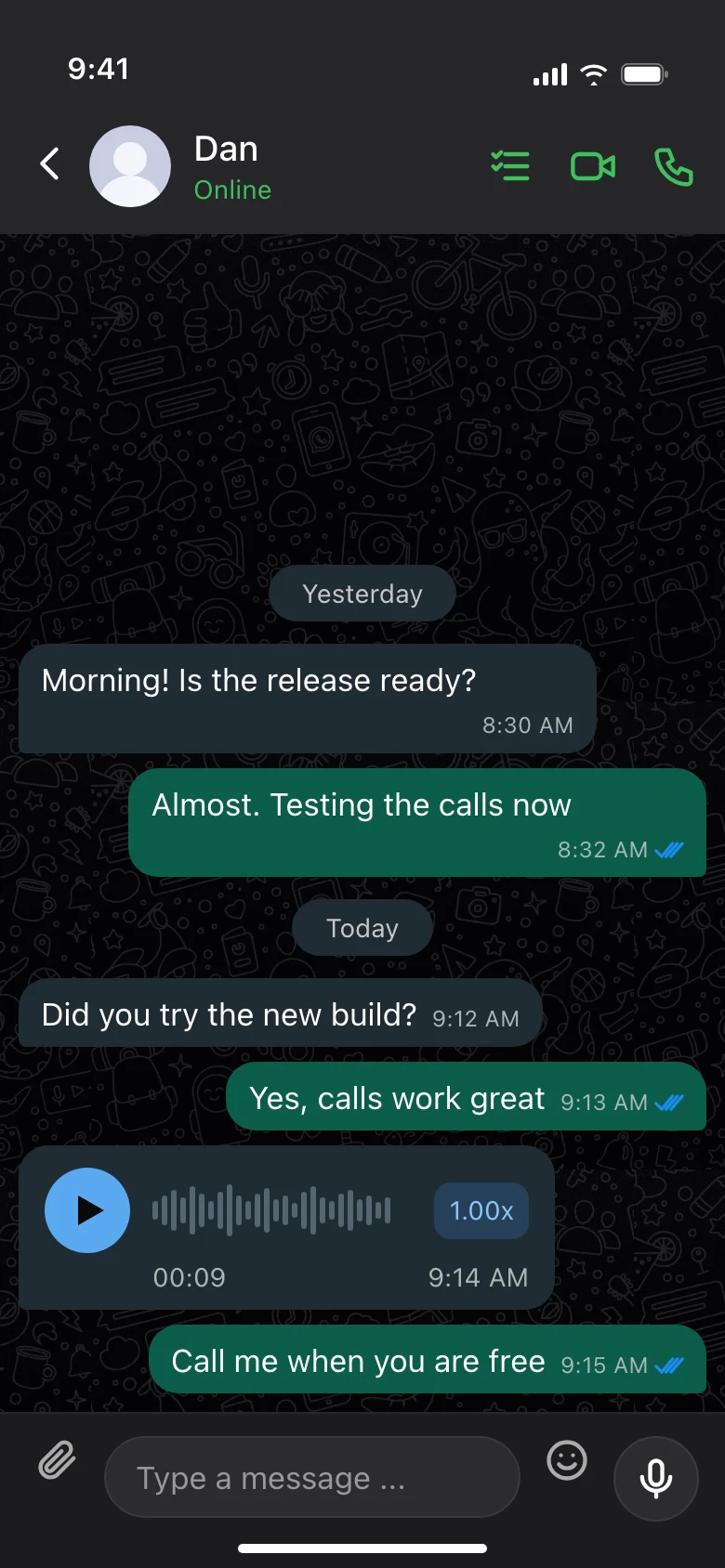
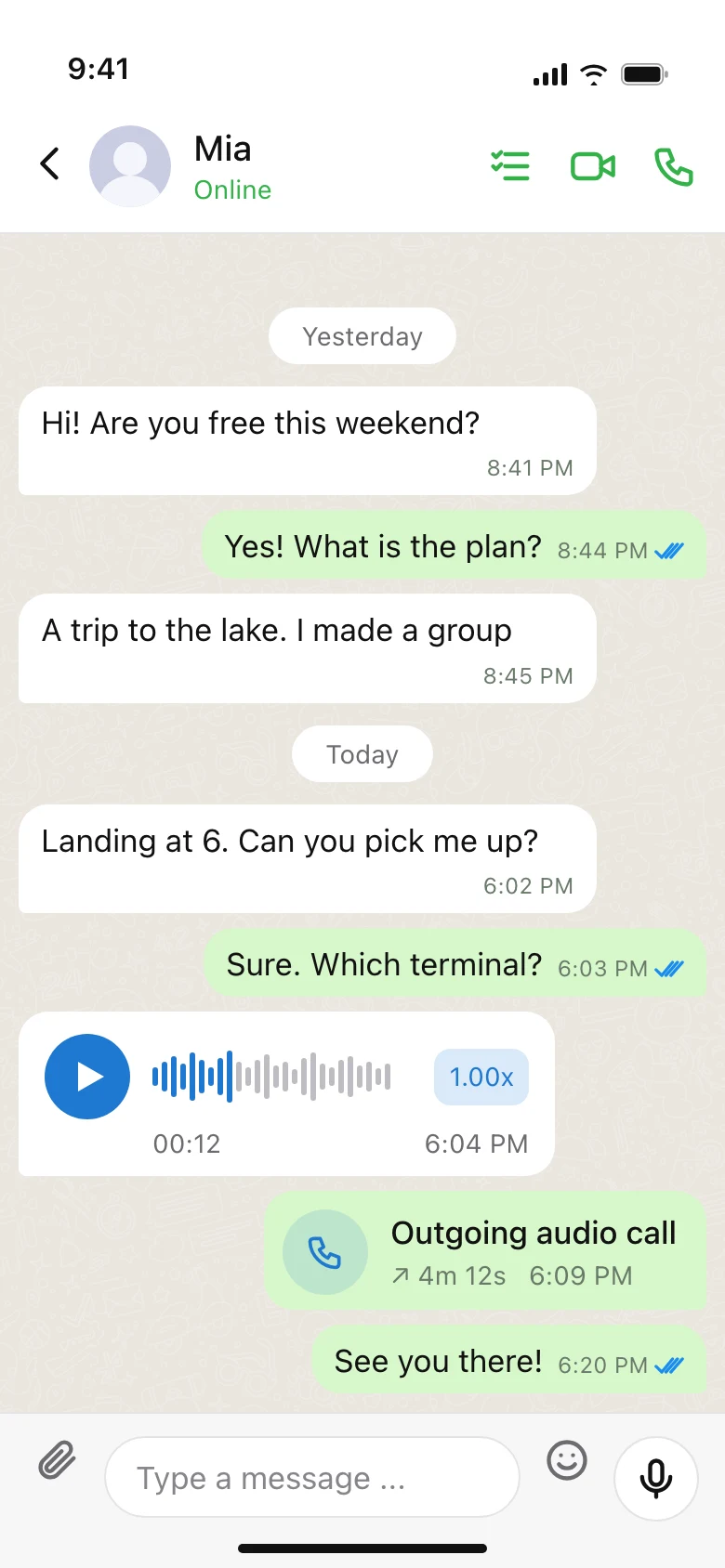
Send text, photos, video, voice messages, files and your location in the same chat.
TextPhotosVideoVoiceFilesLocation
PDF Tickets.pdf2.4 MB
Terminal 2, gate B
Voxa is a messenger for everyday conversation. Write, send voice messages and photos, call by voice or video, and decide who can find you and where you are signed in.
Voxa covers the daily things people do in a messenger.
Send text, photos, video, voice messages, files and your location in the same chat.
Call a contact straight from the chat, with sound only or with video.
Share a moment as text or media and let your contacts watch it.
Talk with many people in a group, or send one message to a list of contacts at once.
Answer with a sticker or a GIF when words are too slow.
Star the messages that matter. Open the photos, documents and voice messages of any chat in one place.
Your account, your contacts, your devices. These settings are in the app from day one.
Open the web app and scan the code with Voxa on your phone to sign in.
Choose if people can find you in search and see when you were last online.
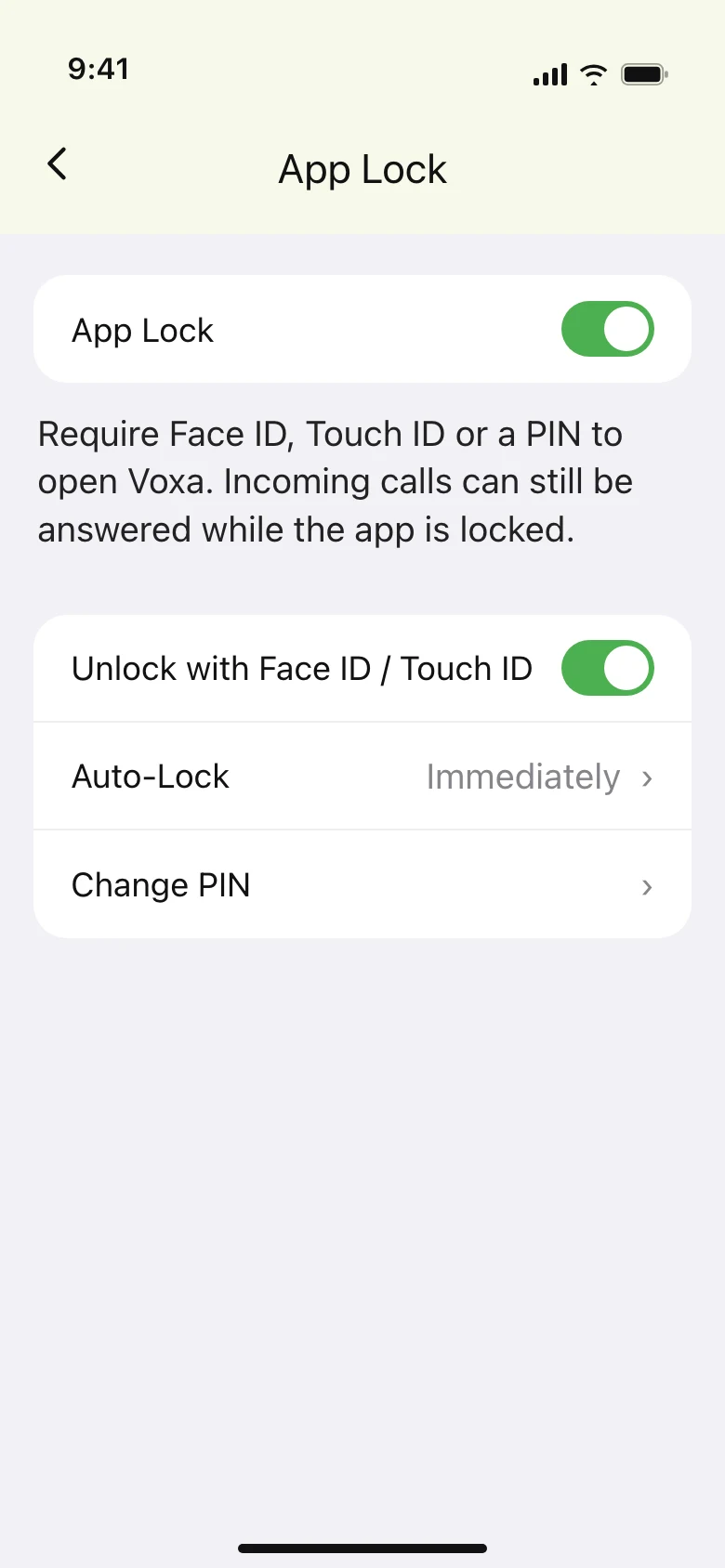
Require Face ID, Touch ID or a PIN to open Voxa. Incoming calls can still be answered while the app is locked.
Check every device where your account is open.
Stop messages from anyone you do not want to hear from.
Send abuse reports to the moderators.
Install Voxa on your iPhone or open it in your browser. The Android app is coming soon.
Open web app